15 Ways Boomers Can Get Better at Using Technology


Technology can feel intimidating, especially if you didn’t grow up with it at your fingertips. But getting comfortable with your devices doesn’t have to be a headache. From smartphones to computers, there are simple tricks that can make your life easier, and even a little fun. Whether it’s learning keyboard shortcuts, exploring apps, or understanding email etiquette, small steps can make a big difference. In this guide, we’re sharing 15 tips for boomers to level up their tech game. By the end, you’ll be navigating devices with confidence, and maybe even impressing the younger generation along the way.

Just Click Around
Experimentation is your friend—don’t be afraid to explore menus and buttons.
Read Instructions
Many apps and devices give step-by-step directions—take advantage of them.
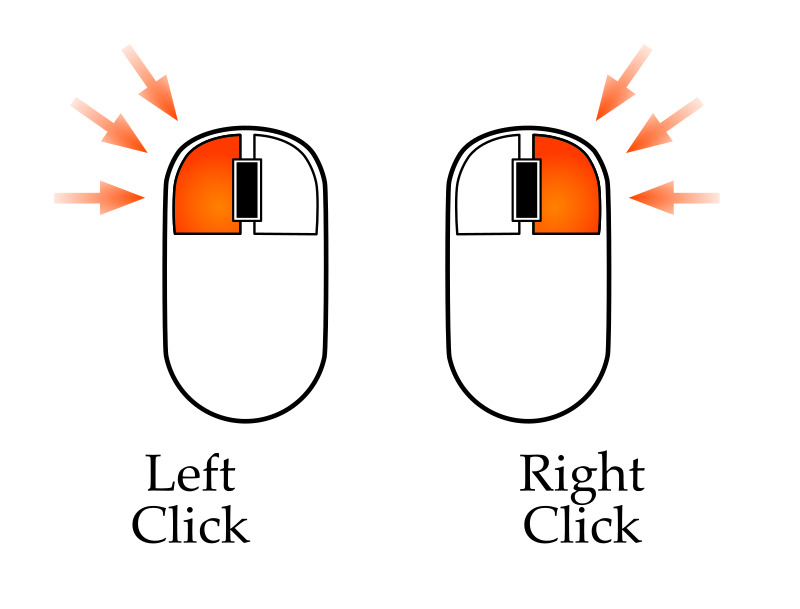
Right Click vs Left Click
Understanding when to right-click vs left-click can unlock hidden options.
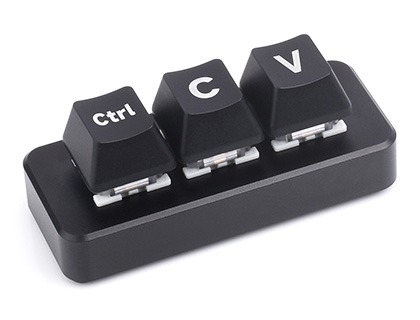
Keyboard Shortcuts
Command/Control C, V, X—and other shortcuts—can save time and frustration.

CC & BCC
Know when to copy someone on an email versus hiding recipients.

Use Search Functions
Most apps and websites have a search bar—type instead of scrolling endlessly.

Update Your Software
Keeping apps and devices up to date helps prevent bugs and improves security.
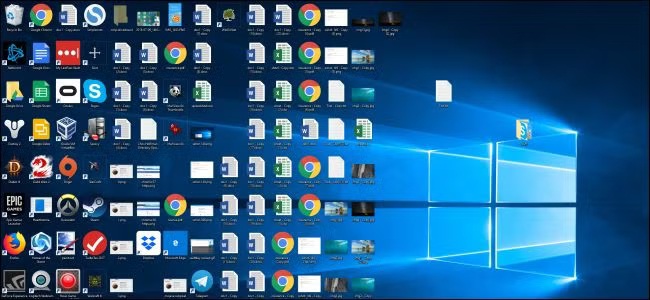
Organize Your Desktop / Home Screen
A tidy layout makes finding files and apps faster and less stressful.

Learn Screenshot Tools
Capturing your screen can be helpful for remembering instructions or sharing info.

Voice Commands
Siri, Alexa, or Google Assistant can handle tasks hands-free—try them out.

Use Cloud Storage
Keep your files safe and accessible from multiple devices.
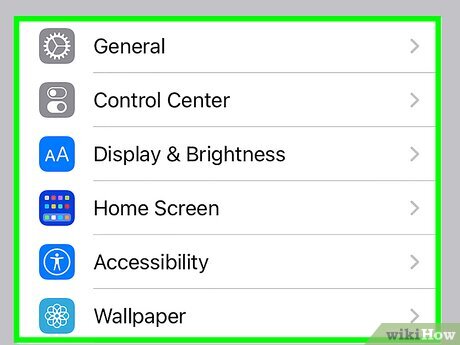
Adjust Settings for Comfort
Fonts, brightness, and volume can all be customized for easier use.
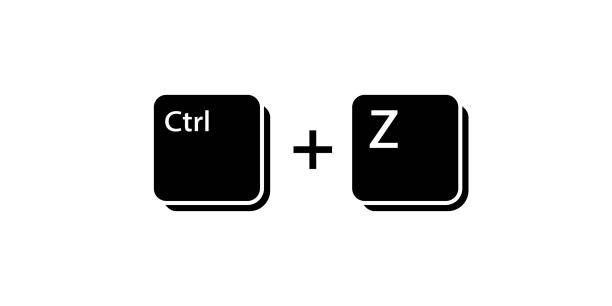
Learn to Undo Mistakes
Control/Command Z is your safety net—use it often.

Bookmark Websites
Save frequently visited sites instead of typing the URL every time.

Ask for Help Online
Forums, YouTube tutorials, and tech communities are full of guidance.